Provide Support ViewStats Features
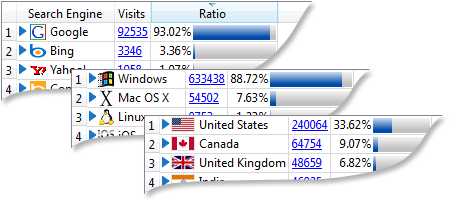 |
TopsInformation about top traffic sources to your website, operating systems and browsers mostly used by your visitors, most visited pages of your website, visitors' countries, ISPs, etc. |
 |
Visits' summaryInformation about visits to your website grouped by different parameters – time (year, month, day, hour), country, ISP, referrer, etc. Information about each visit is very detailed, just as you see it in our Operator Console, plus date and time of the visit. |
 |
Traffic chartsCharts displaying average number of visits, page views, time spent on your website during the selected reporting period. |
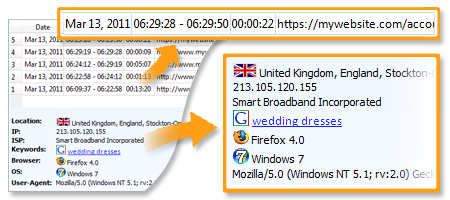 |
Visit detailsDetailed information about each particular visit to your website – all visited pages, time spent on each page, referrer and keywords if any, visitor's geo location, and technical details. |
Flexible reporting periodYou can select any reporting period within the period when traffic statistics tracking was enabled in your account Control Panel. |
Multiple profiles supportYou can view website traffic statistics for any number of accounts. You would only need to create profiles for all accounts you would like to track in ViewStats Profile Manger. A separate ViewStats instance will be opened for each account. |